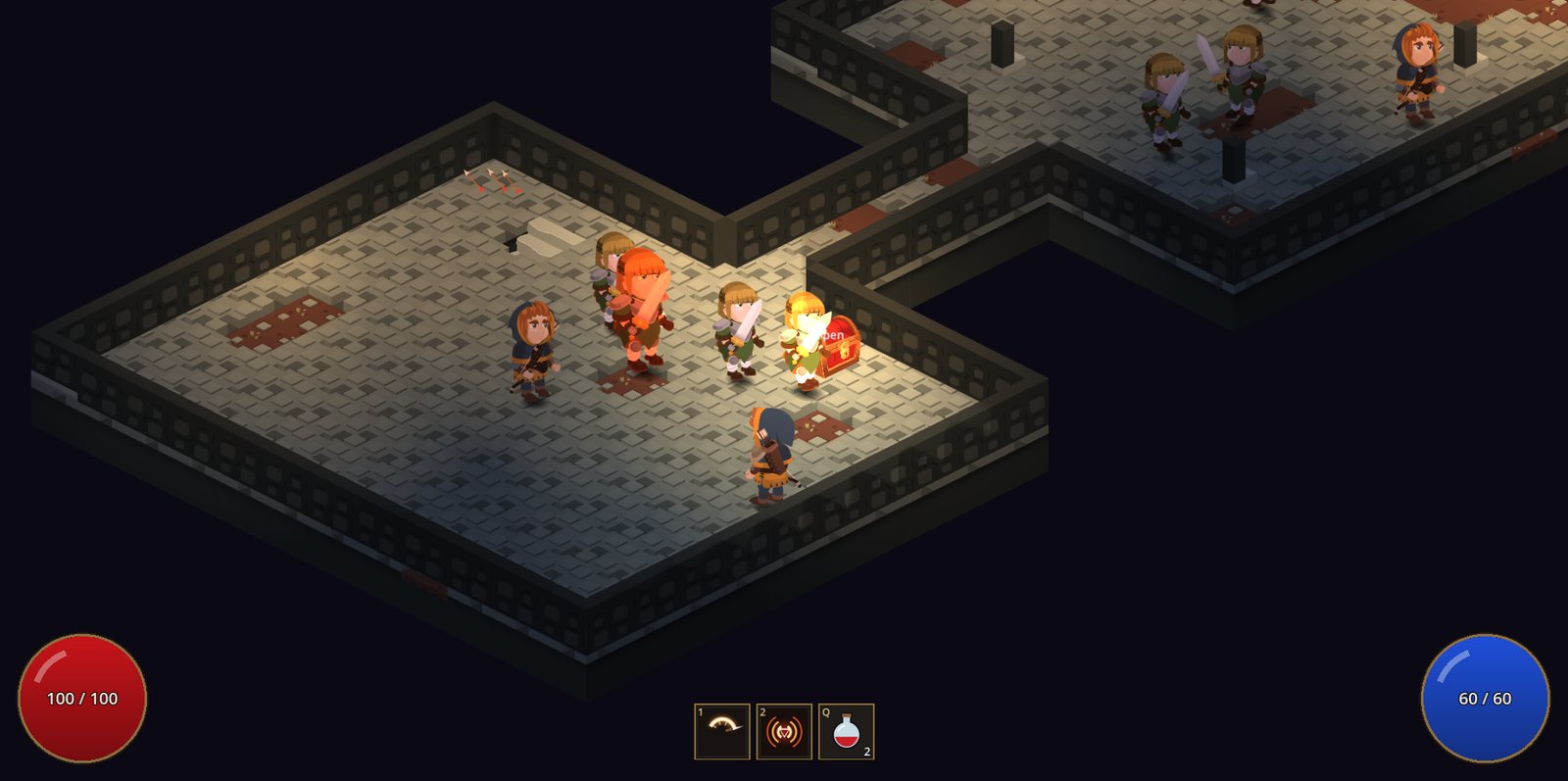
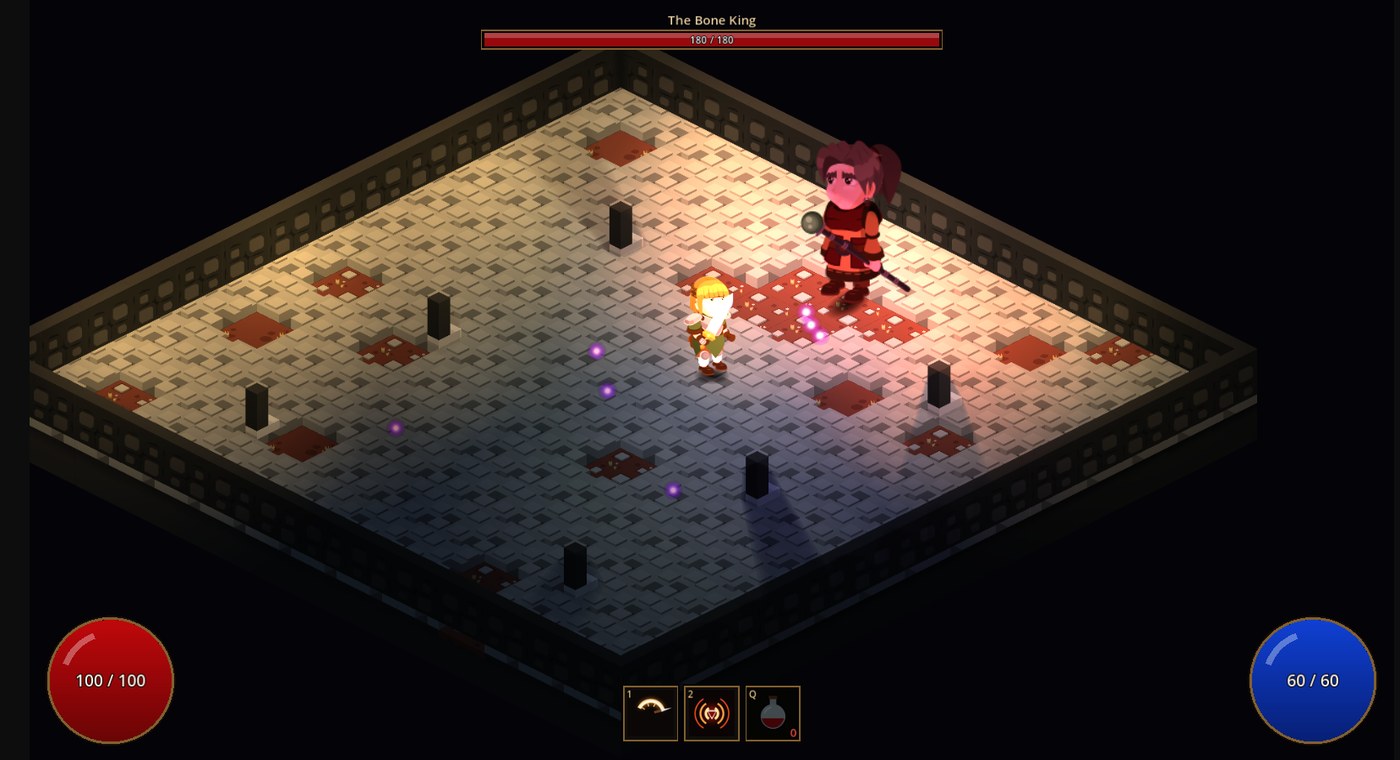
Action RPG · Isometric 2D
Emberdeep
Torch-lit dungeons, skills, loot and a king at the bottom.
Build your game with machines, event graphs and ready actions.
Draw what each thing does over time as a machine, or say what happens when with an event graph on any object. Pick from 357 ready actions and press Play to see it work.
Make 2D or 3D games on your Mac or Windows PC, with Godot built in. And when you want to, write your own GDScript.
Machines and actions run as compiled C++.
Moving, fighting, driving, saving, quests and more. 336 have an example to play; the 21 new platform actions get theirs next.
A first-person shooter, a rally game, a bullet-hell, a platformer, an action RPG and more.
Start a blank game in either, from the Games menu.
Nothing else to install. Your game exports as a Mac app, a Windows game, or both.
Use any of them, or mix all three in one game. The first two need no code.
What something is doing over time. Draw its states as boxes and its ways out as arrows, and watch them light up as the game plays. No code.
When something happens, do this. Put an event box on any object, then chain the actions after it, with If boxes and loops. No code.
GDScript, when you want it. Write it in the Scripts section, check it and put it on anything. New Action starts an action of your own for the Add Action list.
173 features in NodeWorthyAI for Godot, all in one app. What is still being built is in its own box at the end.
All of them run on real physics, and every number is a setting. Enemies and NPCs drive and fly the same vehicles with the same controls a player uses, so they can skid and stall too. All seven kinds have a 2D version with its own handling.
Four sprung wheels, tyres that slip, an engine with gears and a differential. Hatchback, muscle car, rally car, truck, buggy and off-roader. They leave skid marks and smoke.
Sprung road wheels and two tracks. They steer by the difference between the tracks and turn on the spot.
Lift, drag and stall worked out from a real wing’s numbers. Light plane, fighter jet, propeller fighter, biplane and cargo plane.
They lean to move, hold their height and hover.
A hull that sits on the waves, planes at speed, leans into turns and leaves a wake. The propeller needs water.
Repulsor beams hold them up. They carve, drift and boost, and the ride height is a setting.
A thruster for each way they push and turn, Flight Assist on or off, and boost.
Press V for the seat. 13 interiors with working dials, on our models or yours.
The Platform section gives you tile blocks you paint with the mouse, steep and gentle slopes, a backdrop in layers and a hero that runs, jumps and dashes. Every mechanic is an action, so you can change any of it or build your own.
27 things are ready to drop in, including moving platforms, lifts, springs, conveyors, ice, crumbling floors, brick, question and hidden blocks, spikes, crushers, ladders, swinging ropes, grapple points, pipes, checkpoints, goals, coins, dash crystals, dynamite, rope bridges, levers, doors, and water, wind, magnet and low gravity areas. Each one is an ordinary machine you can open and change.
These are the 21 new actions. They are in Add Action now. Their example scenes come next.
Running, a jump steered by how long it is held, walls, climbing, a dash, water and crouching.
Moving platforms, lifts, saws and doors.
Ladders, vines, chains and nets.
Pipes, doors and teleporters.
A real rope that sags, swings and goes slack.
A thin rope flies out, catches and pulls the hero in.
Planks on ropes that sag and swing under whoever crosses.
Springs, trampolines and bounce pads.
Conveyor belts and slippery ice.
Wind, magnet pull, changed gravity or water.
Crushers that drop, traps that spring, things that wake.
Spikes, saws and lava.
Comes back here after a fall or a hit.
A fuse that flashes faster, then a blast, for dynamite and exploding blocks.
Stood on, stepped off and hit from below are each an event.
A coin or a power-up out of the top of a block.
Collision on or off, hide it, drop it, change its look or break it to pieces.
Bump, squash, shake, spin, tint or flip, leaving its collision alone.
Levers, buttons and signs.
A lever opening a door, a switch starting a platform.
The hero celebrates, then your machine decides what comes next.
The Art Book lists everything of ours your game uses, such as land, buildings, trees, ground pictures, sky, water, cockpits, 2D vehicles, effects, hero sounds and vehicle sounds. Put your own against any line and every copy changes.
What things collide with is kept apart from how they look. A thing has its own collision size and place, so a new model does not change how the game plays. In towns you can swap one building or a whole kind.
Pick + 2D Game or + 3D Game from the Games menu. The same machines, event graphs, quests, dialogue, items and bags work in both.
Side-on, top-down, twin stick and click to move players, enemies and NPCs, and seven vehicles (car, tank, boat, spaceship, helicopter, aeroplane and hoverbike), each with its own handling.
Tile worlds seen from above, platforms seen from the side, or rooms, with towns, dungeons, bandit camps, ruins and shrines.
Clear day, golden hour, night, cave or space, set in one pick.
Pick an actor in the list and press Play to watch its machine think. The state it is in lights up, and every value changes as you watch.
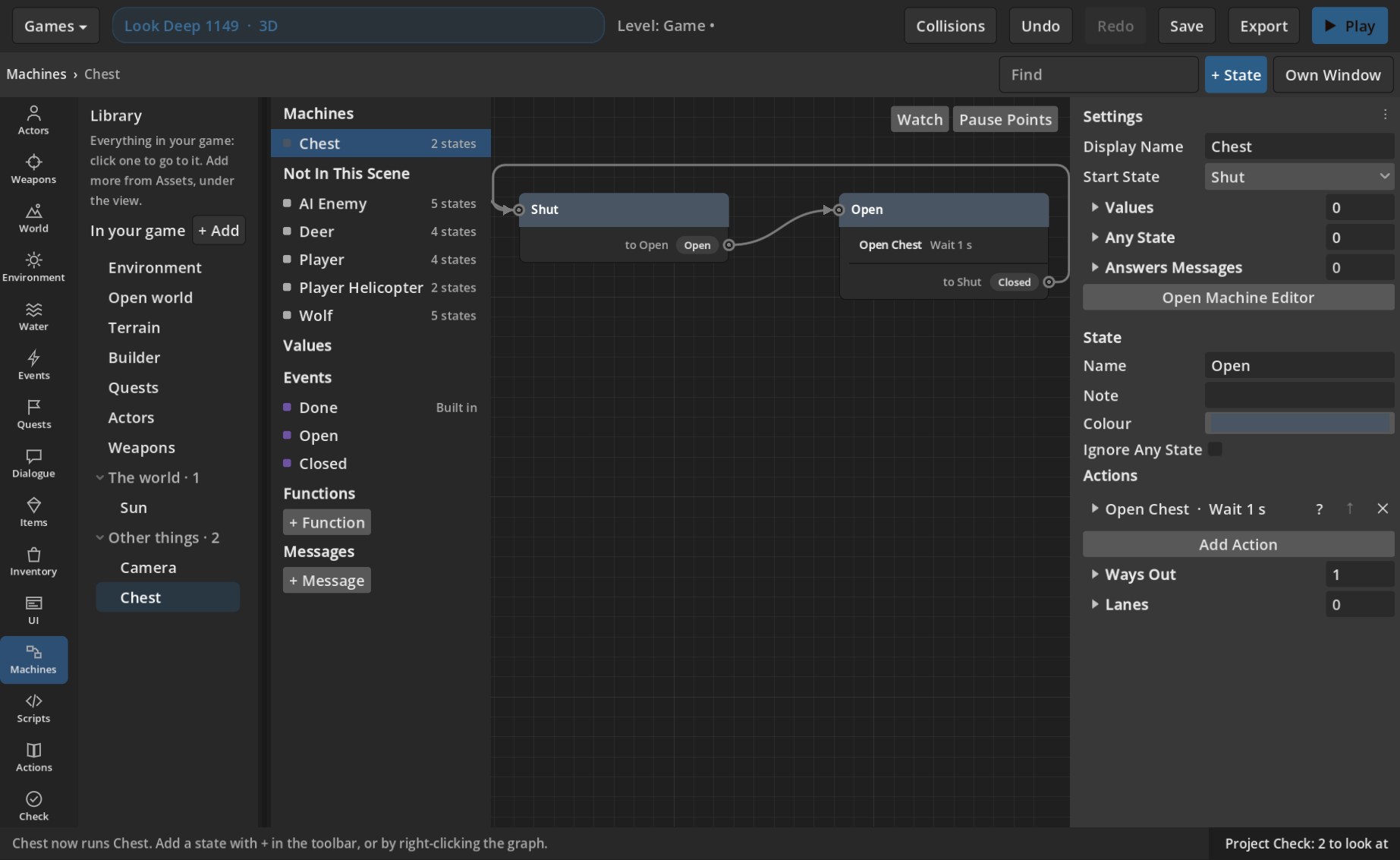
A state describes the behaviour of a part of your game. An enemy chasing, a door opening, a menu appearing or a level counting down.
Arrows define what causes it to change, while actions make things happen.
This enemy walks its map as the game runs. Switch to 3D and the same system works there too.
One system. 2D or 3D. Press Play and see it come to life.
Press + Actor. A player, an enemy or an NPC is ready to play the moment it is made. Or put an empty machine on any object.
Add states like Patrolling and Chasing, join them with events like when it sees the player, and give each one actions.
It runs at once, and the graph lights the state each character is in, so you can see why it did what it did.
Anything in your game that does one thing, then another, is a state machine, and you can put one on any object. Here are a few you will build on day one.
ClosedOpeningOpen
Open when the lever is pulled, lock again when the room is cleared.
TitlePlayingPausedGame Over
The whole flow of your game, from the title screen to the credits.
FollowingBoss IntroShaking
Follow the player, cut to the boss as it wakes, shake when something hits.
WaitingWaveCleared
Waves of enemies, a countdown, a score to reach, what happens when time runs out.
RestingWarningStriking
Spikes that wait for you, platforms that carry you, lava that rises.
WaitingTaken
Coins, keys, health and loot, into the inventory with the right sound.
GreetingAskingThanks
Who says what, what the player can answer, and what the quest asks next.
PatrollingChasingAttacking
And of course the characters, from heroes that run and jump to enemies that hunt you down.
Machines say what a thing is doing over time. Event graphs say what happens when. Put one on any object, with an event box and then a chain of action boxes, read from left to right.
Drag from a box's dot to add what it does next. Each box waits for the one before. Any of the 357 actions can go in it.
An If box has yes and no paths. A Loop box has an each time path, then carries on when done.
Select some boxes, right-click, and make them a function. Double-click a Call Function box to open it.
Group boxes under a title and a colour. Drag the comment and they come along.
In Play each event lights as it fires. Pause Here stops the game at an event or a box.
Start a quest, give an item, or send an event for a machine to hear.
Seventeen sections down the left of one window, one for each part of a game. These are real screens from the app.
People, creatures, cars, tanks, helicopters, aircraft, spacecraft and boats, each as Player or AI.
Make a weapon, put it in a hand, or mount it on anything that is not a person.
Tile blocks, a hero, ready things and your own art, for side-on games.
Put your own against anything of ours your game uses, once.
Terrain, open worlds, towns and the things that stand in them.
Sky, sun, time of day, fog and the look of the screen.
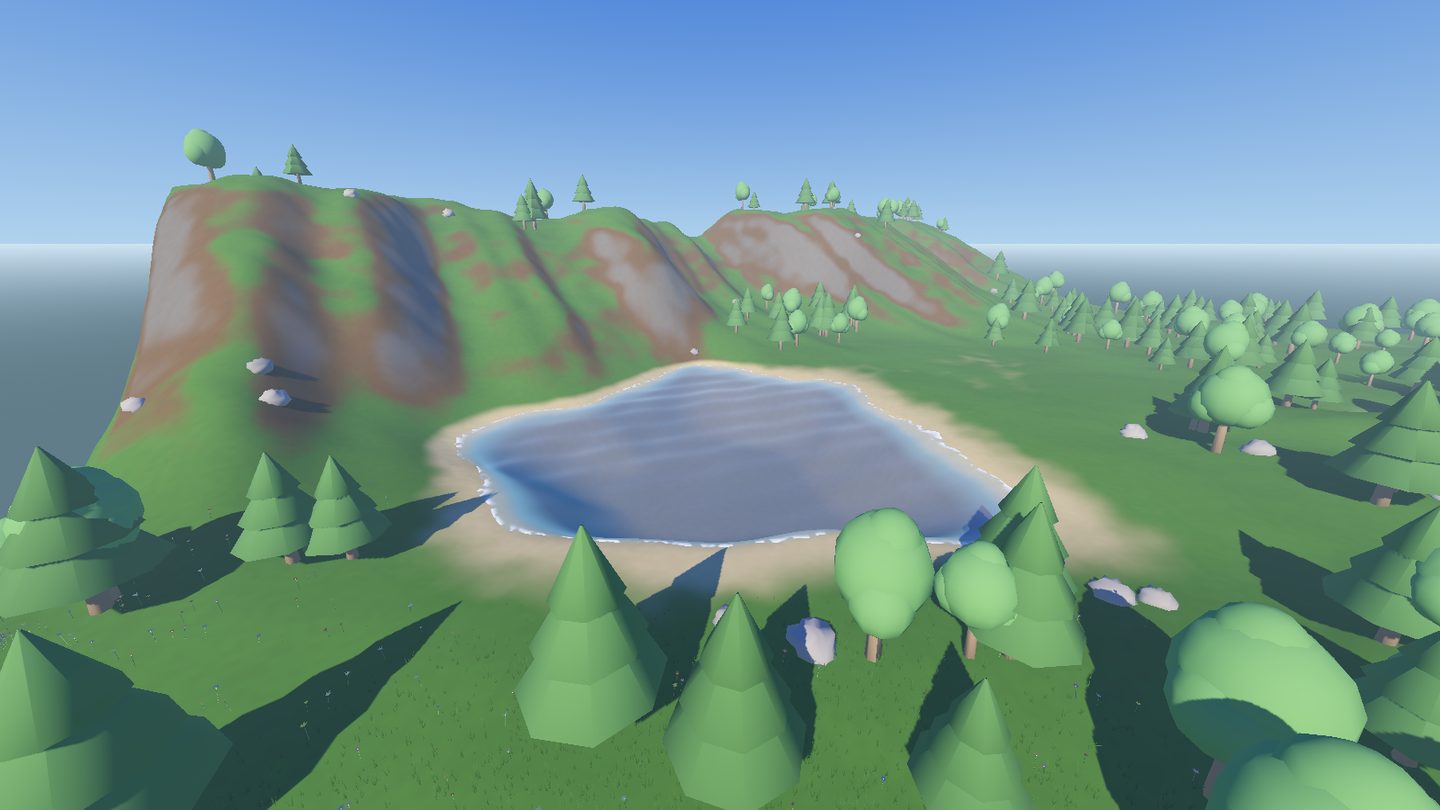
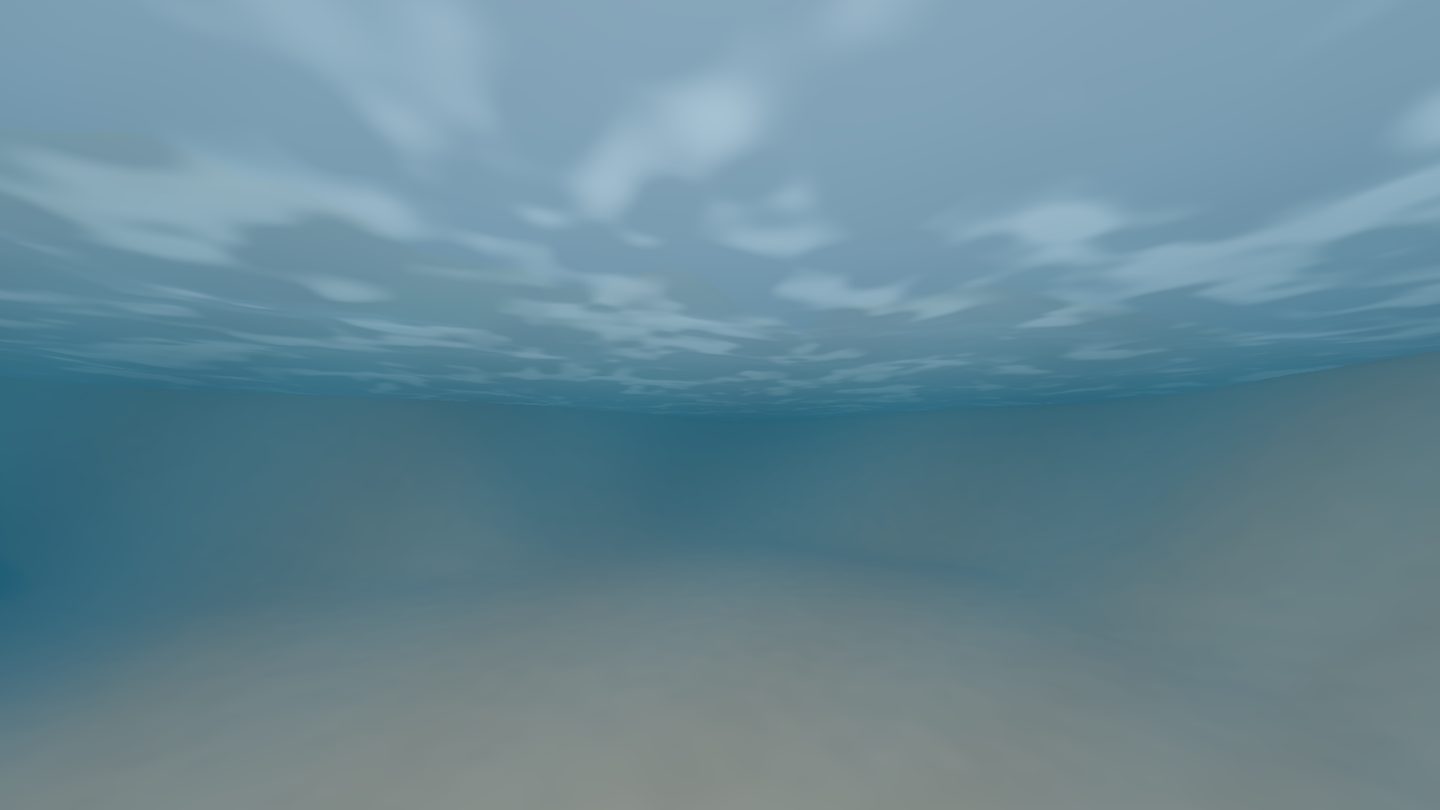
Seas and ponds that float boats, make foam round everything and leave wakes.
Draw what happens as an event graph on any object.
Steps to finish, and what the player gets for them.
Conversations for actors.
Every item, weapons too, to find, carry, use and sell.
Bags actors carry, and chests to open.
What players see, such as the Escape screen, the title and what stays on screen.
States and arrows you can see, lit up as the game plays.
Write your own GDScript, check it and put it on anything.
Every action, what it does, and an example to play.
Reads your game and says what to look at.
Each one is made from states, arrows and actions, with no code at all.
Real pictures from the games. Hover over one to see it move.Each one moves as you scroll to it.
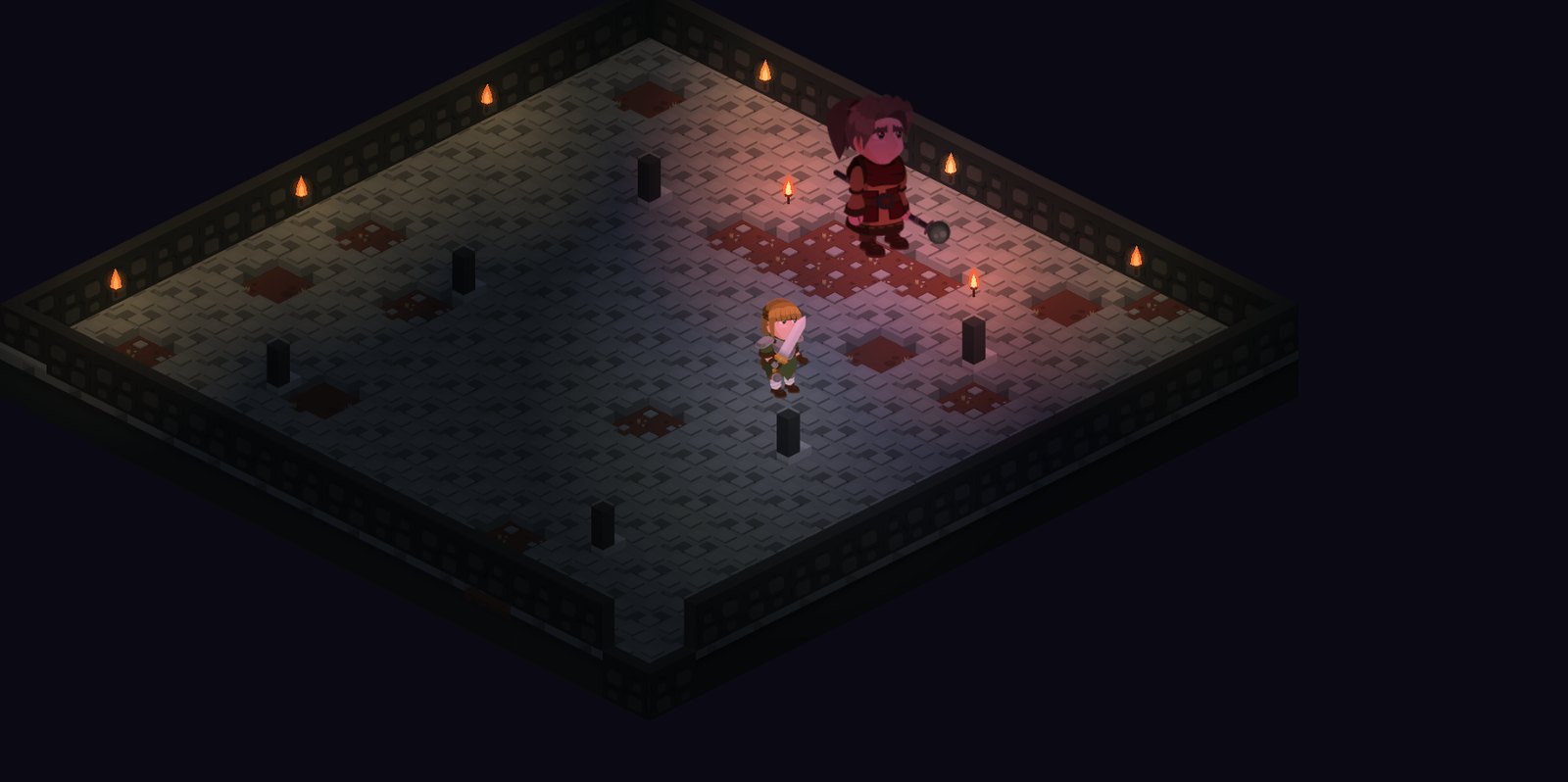
Torch-lit dungeons, skills, loot and a king at the bottom.
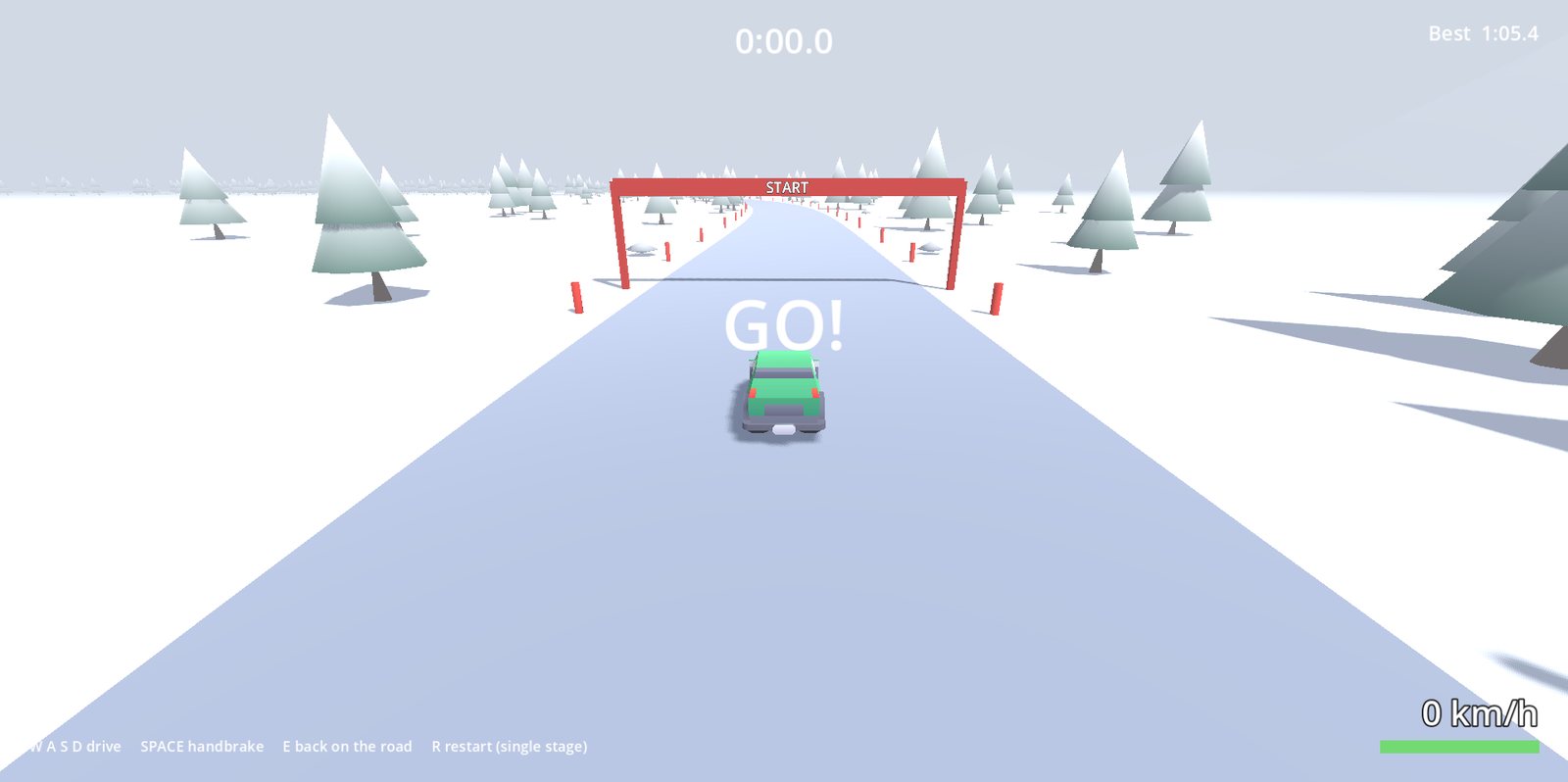
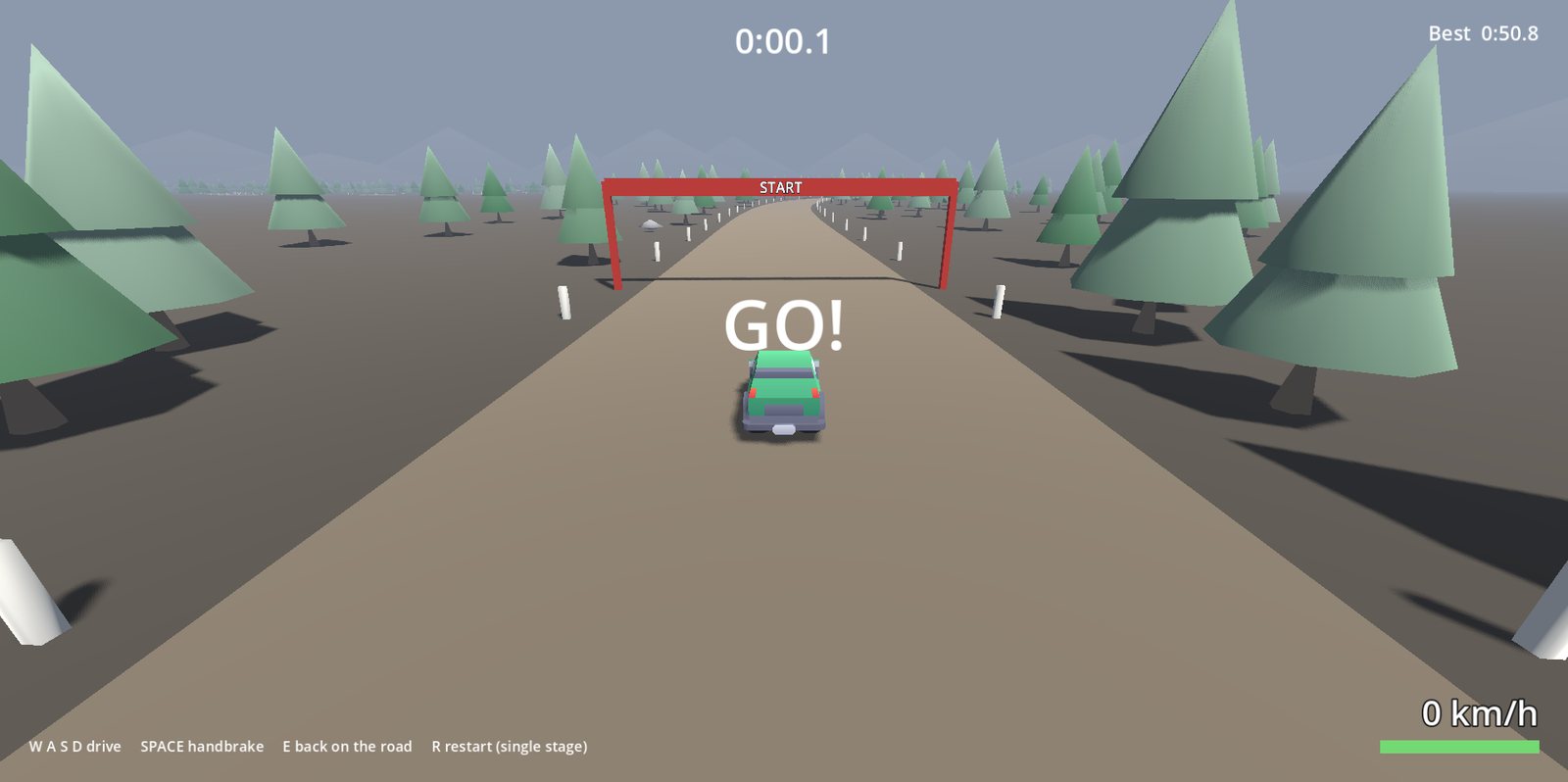
A stage against the clock, corners called out.
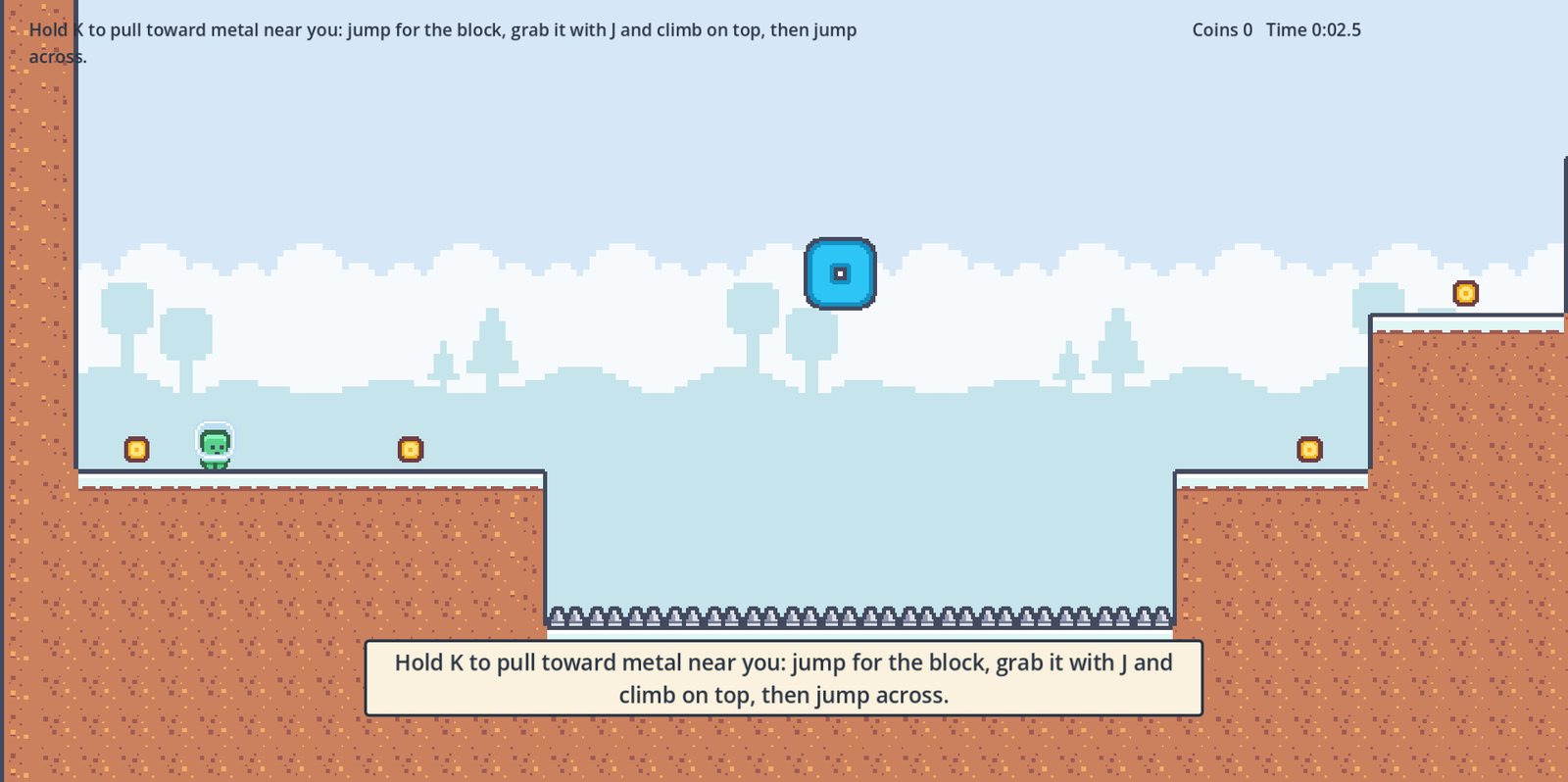
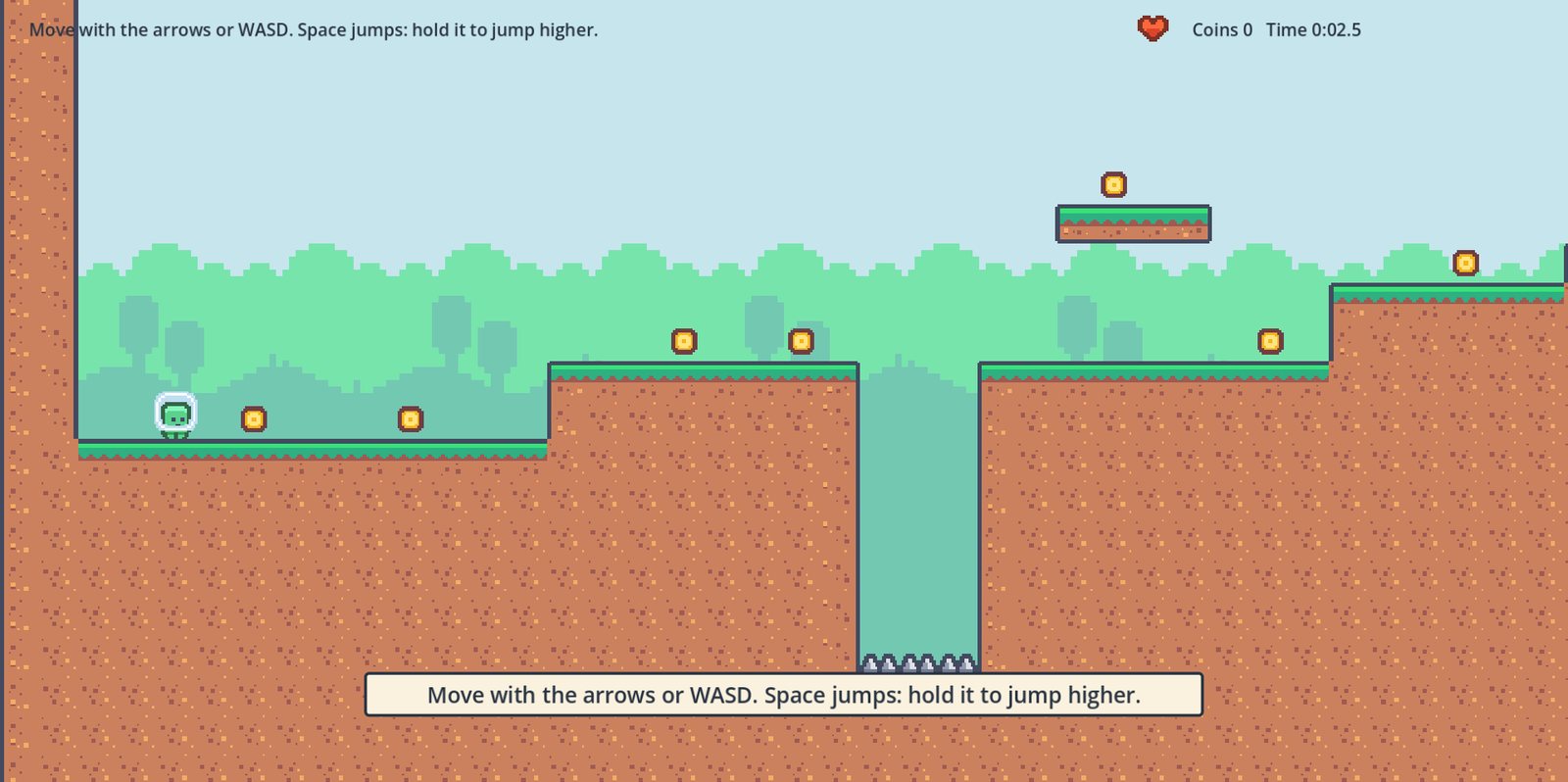
Four levels of running, jumping and dashing.
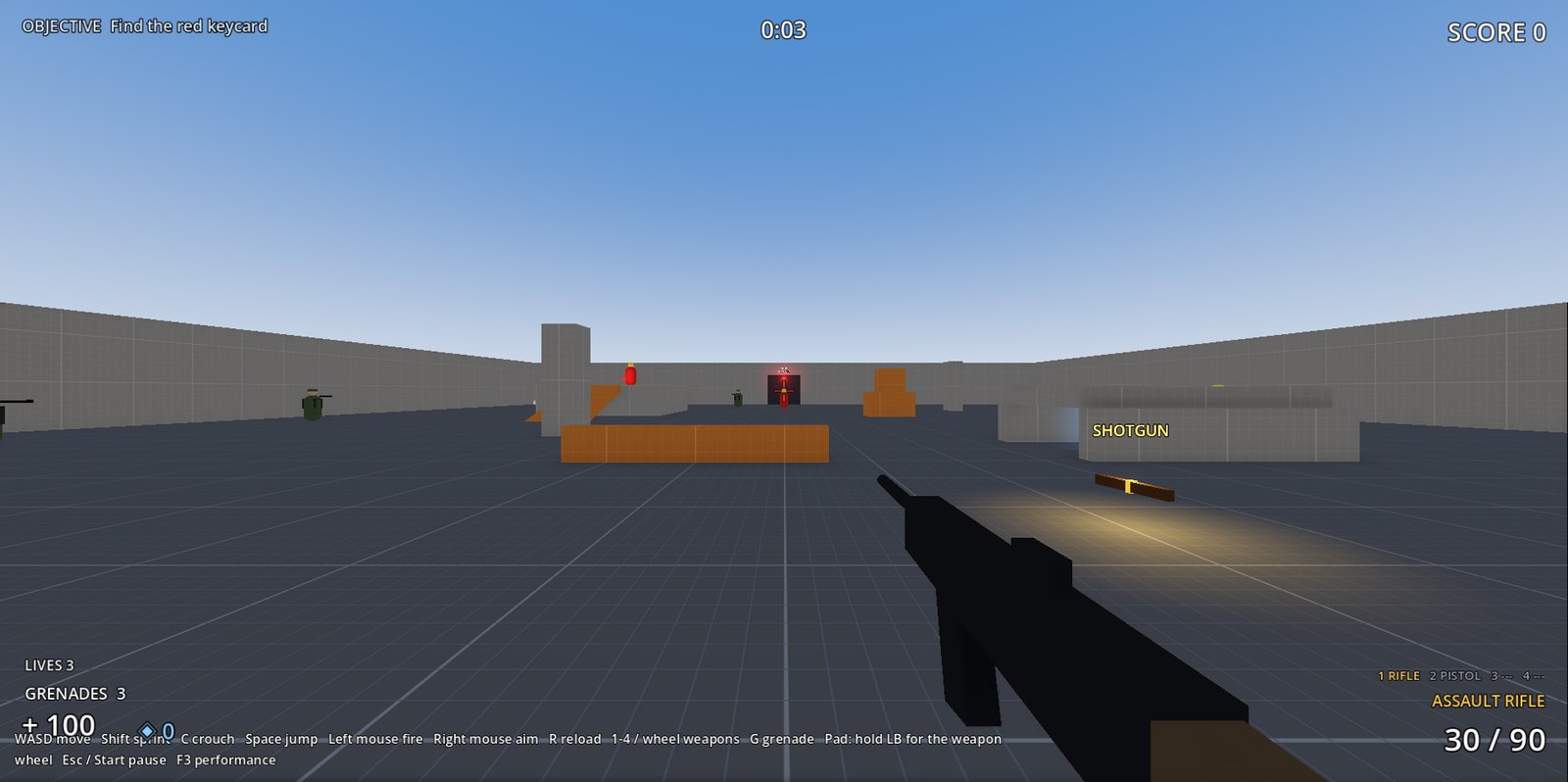
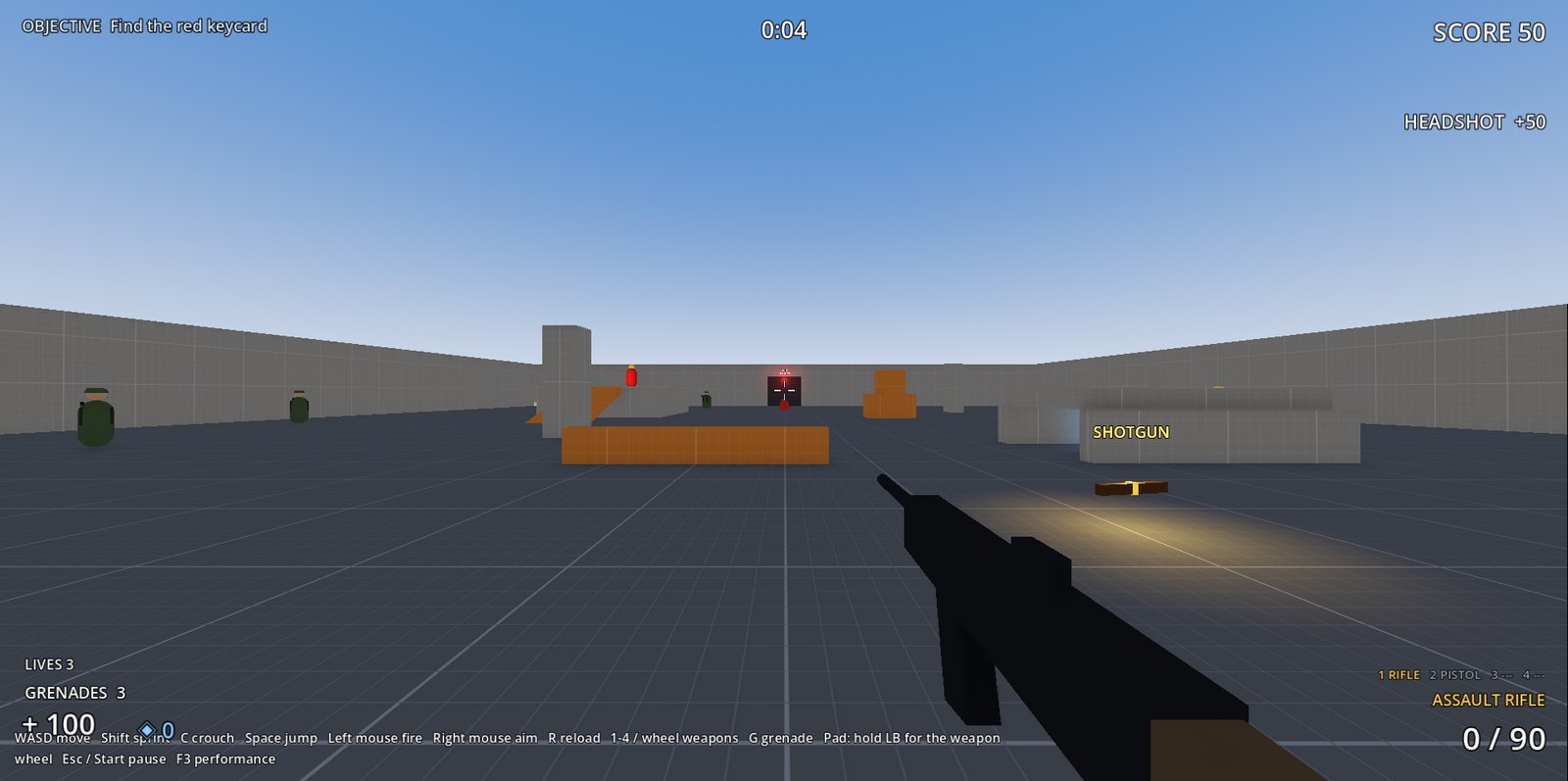
Weapons, pickups and enemies that go for cover.
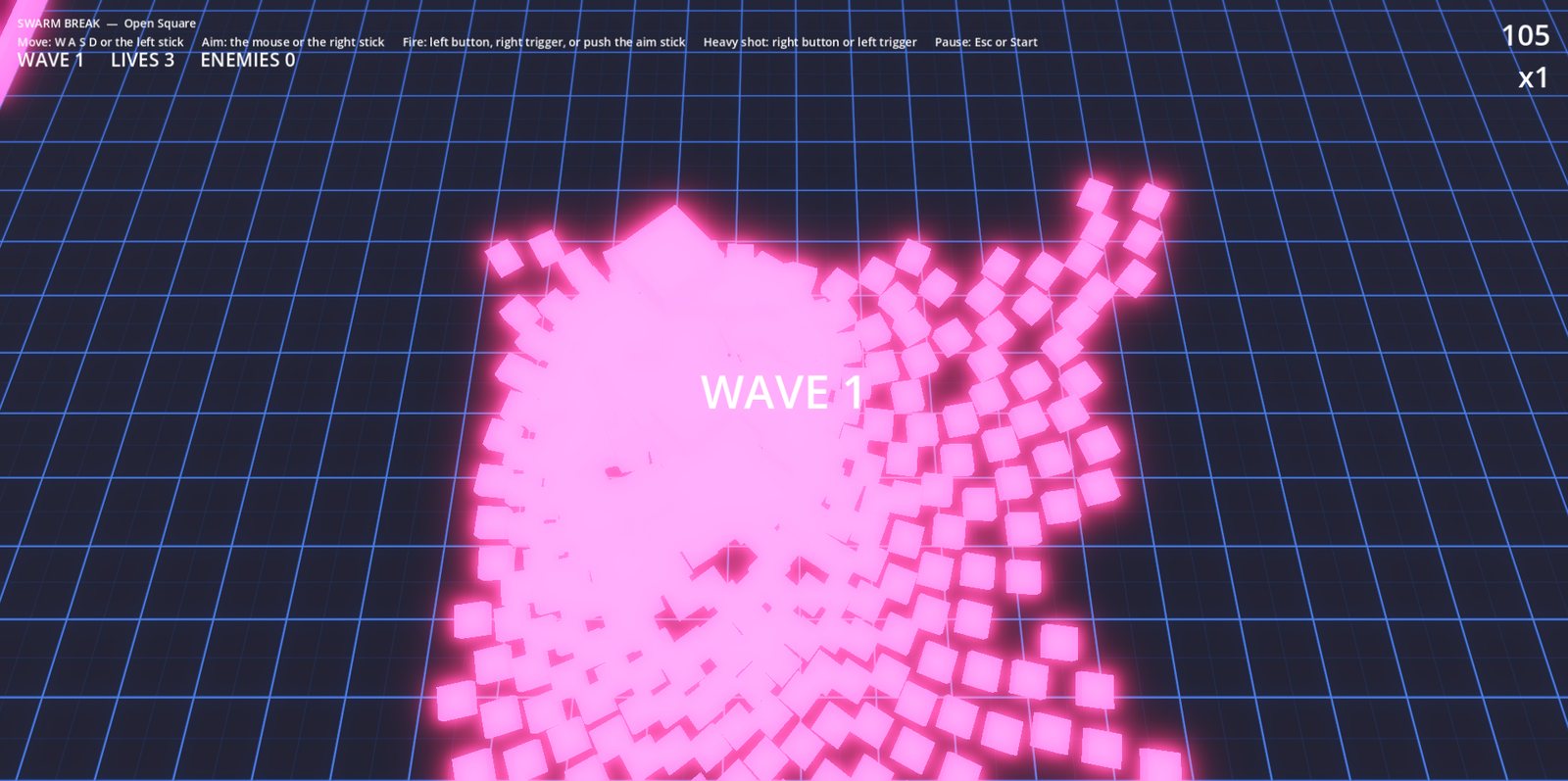
Hundreds of chasers at once, each its own state machine.
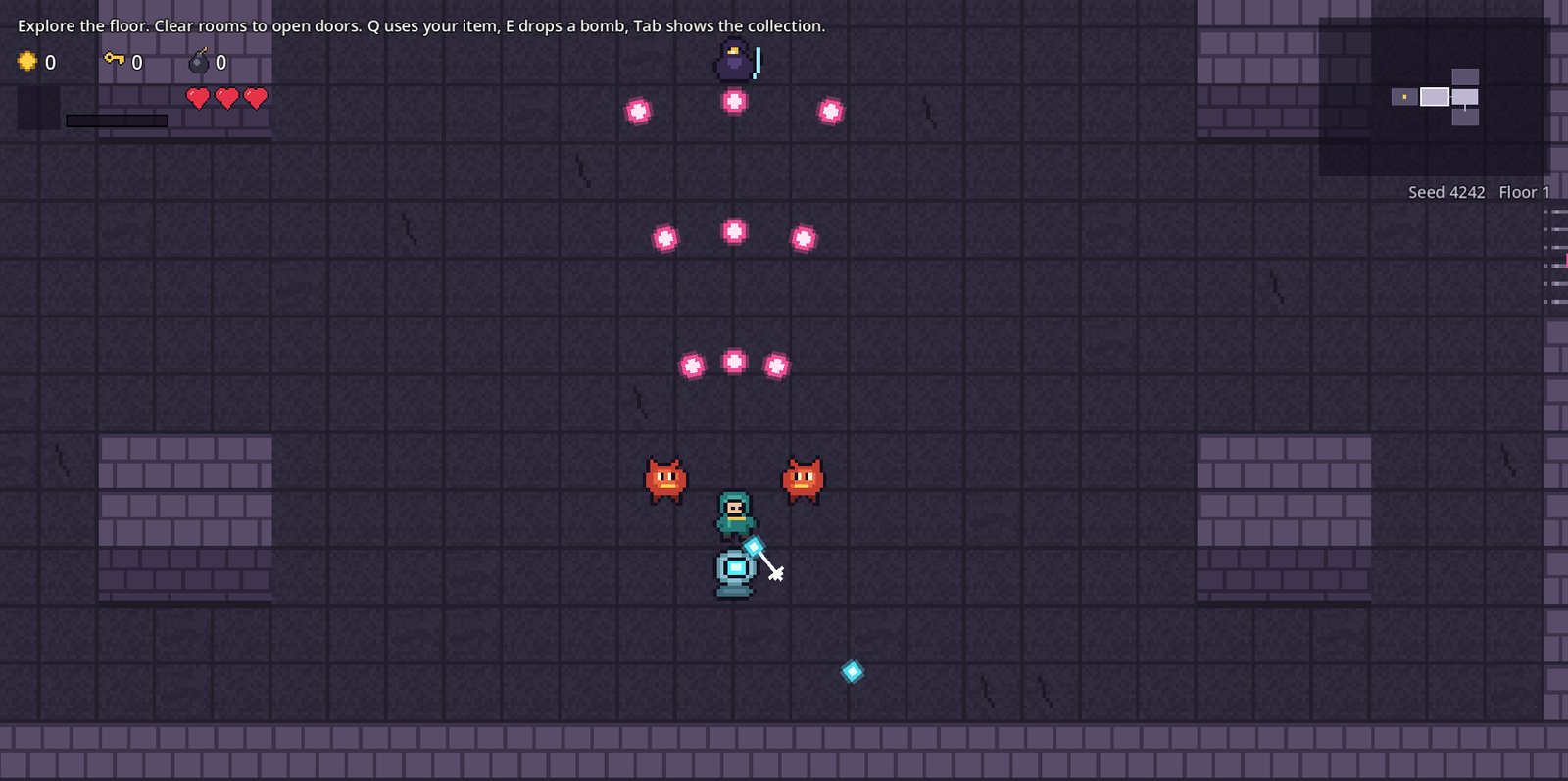
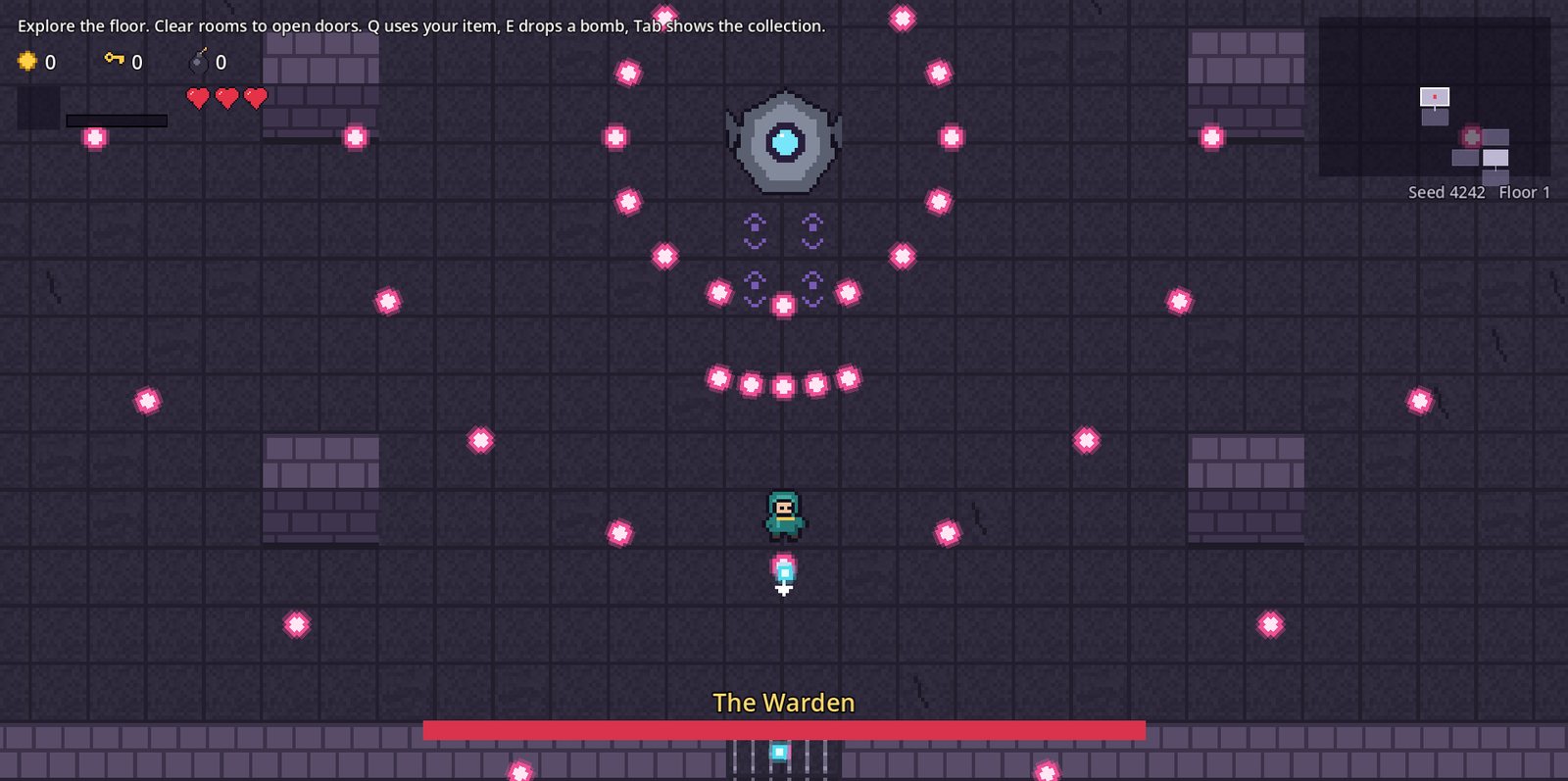
Climb the spire through rooms of bullet patterns.
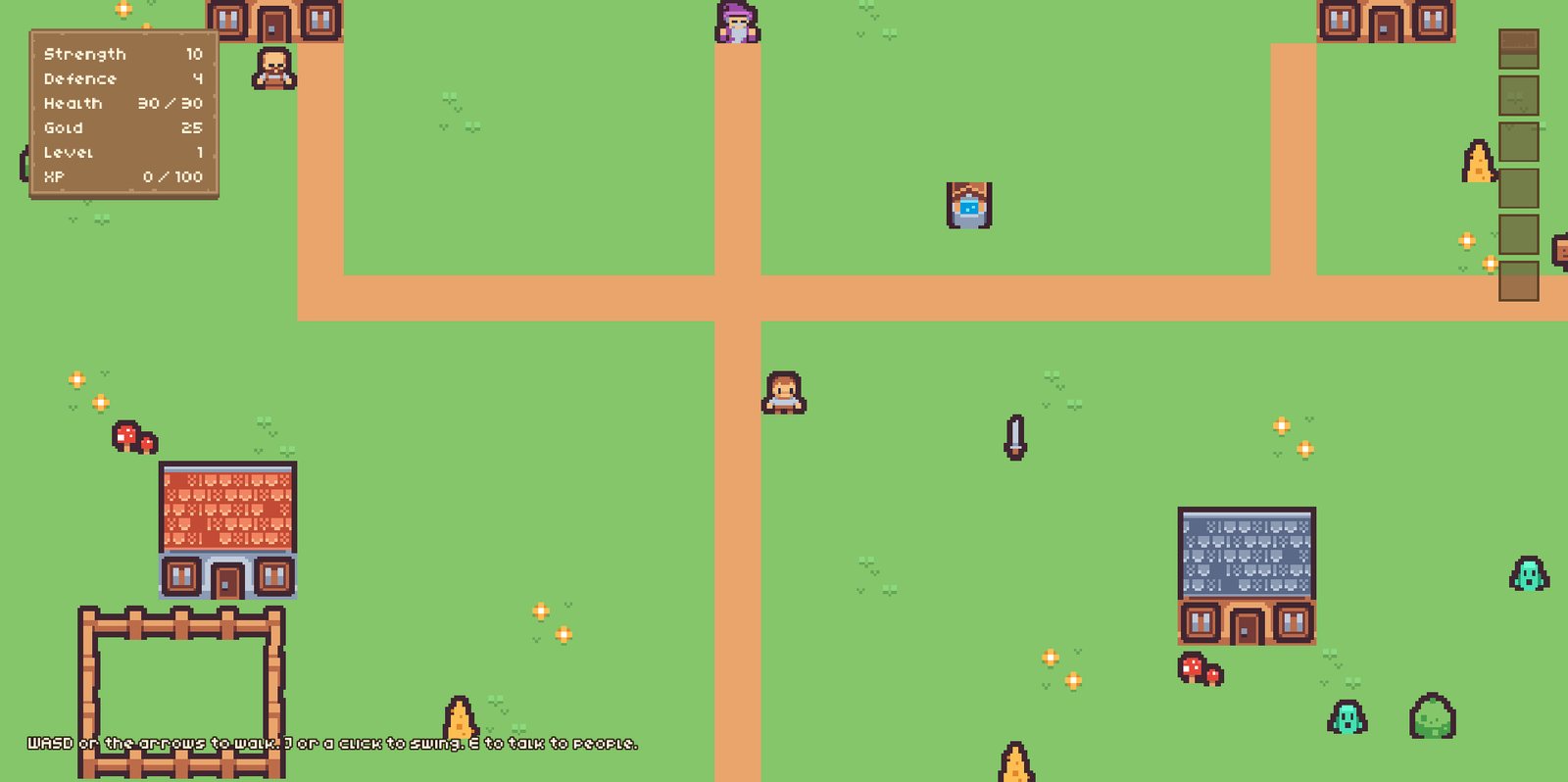
A village with conversations, quests and a cave.
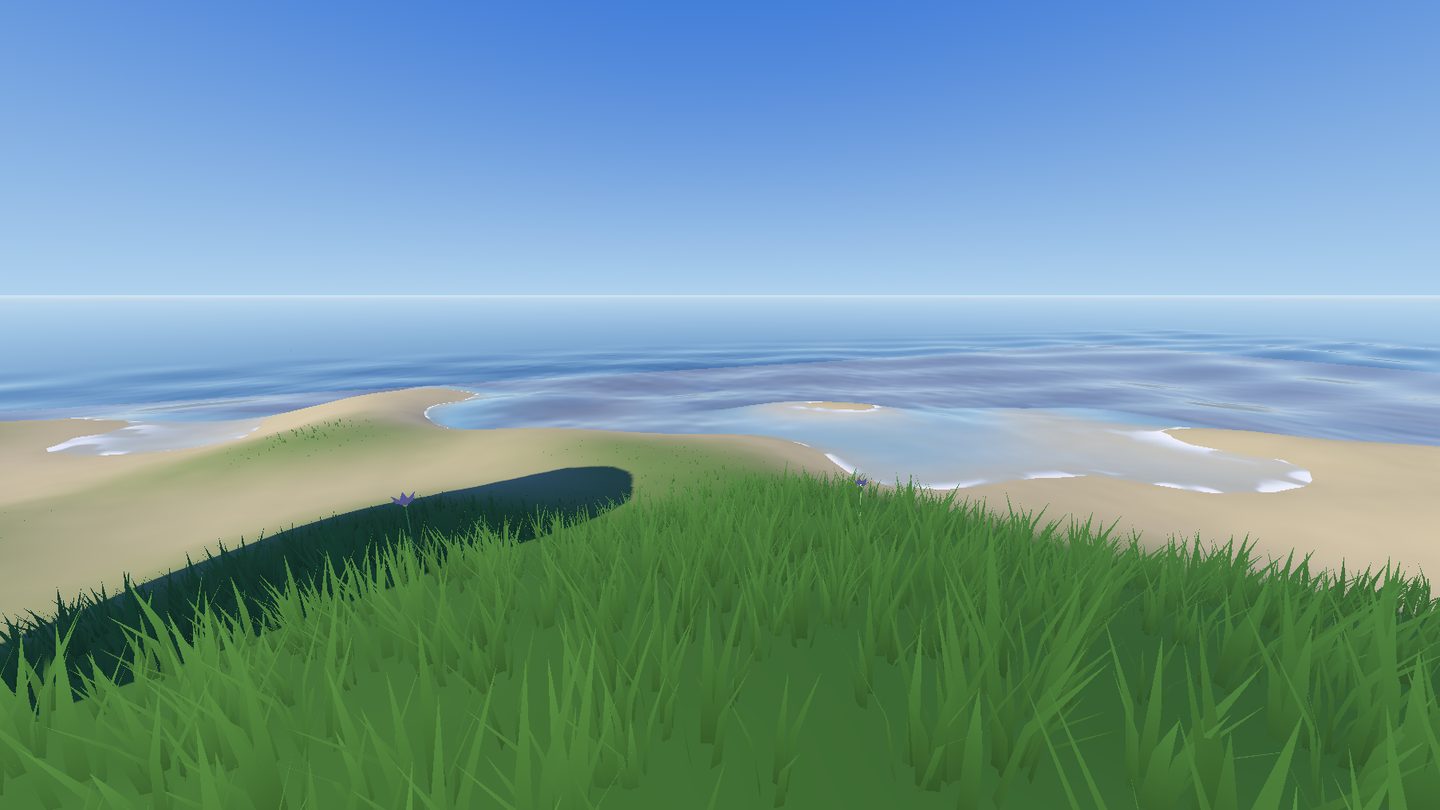
Start from a blank game, in 2D or 3D.
Press + World and a whole land is made in one go, as an island, a valley, a coast, plains or mountains. Shape and paint it with the brushes afterwards.
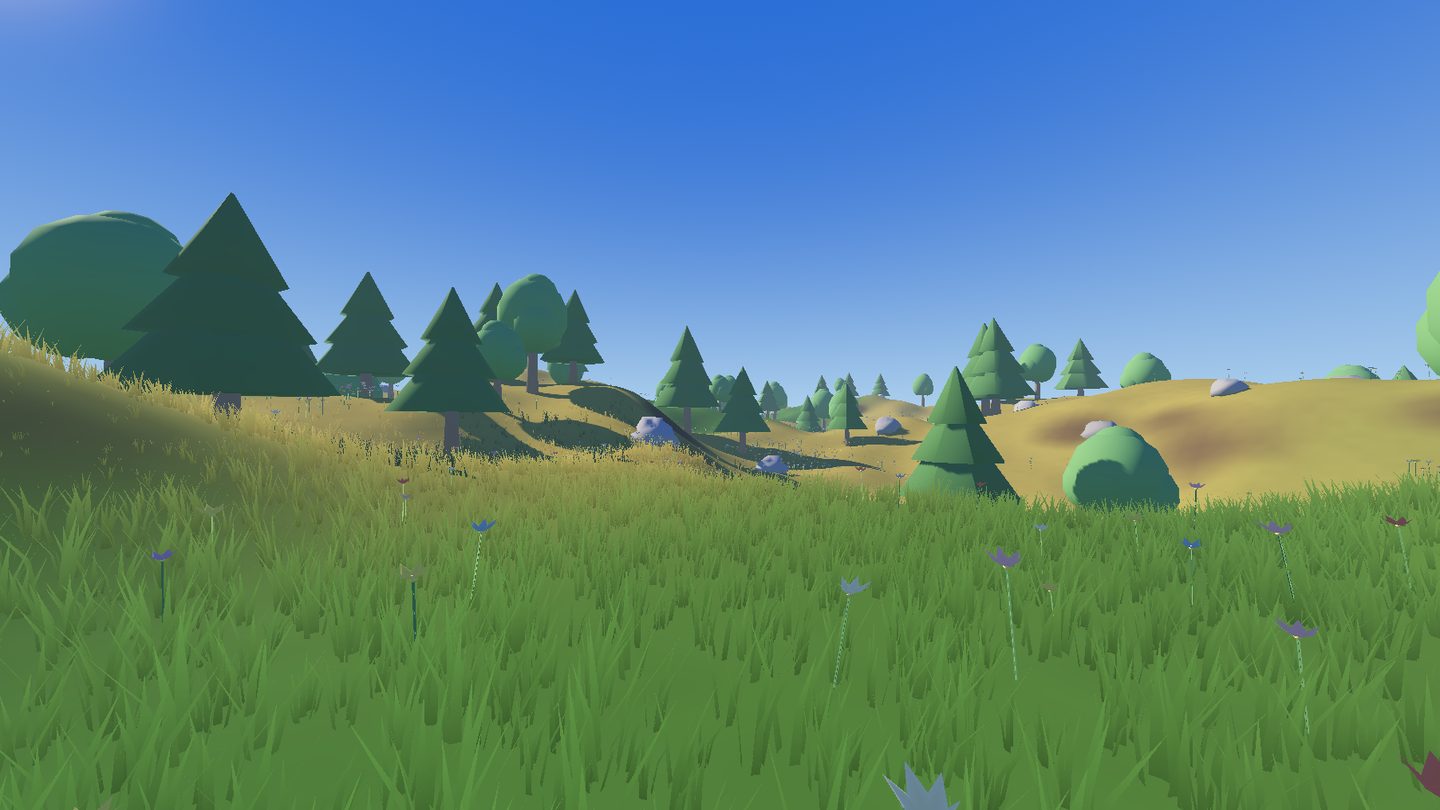
Press + Actor, choose what it is, and it is ready to play. Then decide whether the player drives it or the AI does.
A person, a creature, a car, a tank, a helicopter, an aircraft, a spacecraft or a boat.
Any humanoid model. Moves come from its own clips, from named clips, or from ours.
Every change of move has a blend time you can set.
Advanced, and optional. New to making games? Skip this section. You never have to write a line.
If you do write code, NodeWorthyAI does not box you in. Your machines run on its compiled C++ core, and you add to it in GDScript with your own actions and checks, right in the Scripts section.
One small script. New Action in the Scripts section starts one, and it joins the Add Action list. Its settings become fields.
A question for a Check is one function, _check, that answers yes or no. Door locked, quest done, enough mana. Anything your game can ask.
Build on any of the 357 actions and replace only the part you need. Everything you leave alone still comes from the original, compiled.
send_event, go_to, get_value, set_value, and signals when a state changes. Your scripts and your machines talk both ways.
State changes, events, variables, timers and every built-in action run in the compiled core. A machine with nothing to do is not called at all, so your own actions add their cost and no more.
Machines are Godot nodes and designs are Godot resources saved as text.
@tool
class_name OpenDoorAction
extends SCMachineAction
## Slide the door open.

## How far it slides, in metres.
@export var distance: float = 2.0

func _enter(m: SCMachine, index: int) -> void:
	var door := m.target as Node3D
	door.position.x += distance
	m.finish(index)

func _summary() -> String:
return "Open door %s m" % number(distance)Whatever you make with NodeWorthyAI is yours to sell on Steam, itch.io or anywhere else, and we take nothing from it, now or later.
All three are in the app. Each does one job and leaves the rest alone. They run on your own computer, with no account and no internet, and your game stays with you.
Builds worlds with islands, valleys, rivers, forests and towns. Ask for 16 buildings and 16 stand. Short edits change only what you name.
Makes machines and event graphs. Ask for a door that opens on E, or a zombie that comes after you, and he builds it from the same actions you use, as one step Undo takes back.
Writes dialogue and story, including conversations, quests and the items in them. Then edit it in a few words, such as make the reward 100 gold or rename the quest.
Not yet. We are finishing it, and it comes out when it is ready. Sign up below to hear first.
No. Machines and event graphs need no code at all. If you want to write code, the Scripts section lets you write your own GDScript and put it on anything.
No. Godot is built into the app, so you install one thing and start making games.
Both. Pick + 2D Game or + 3D Game from the Games menu.
Yes. Each game has its own assets, and you bring in your own models, pictures and sounds. What comes with the app is there to start you off.
Export it as a Mac app, a Windows game, or both.
No. The helpers run on your own computer.
We will email you about the launch date and the first videos, and not much else. Questions? Write to hello@statecraftgames.com.